How to auto-drive in GTA 6: turn on cinematic mode and let the car drive itself
GTA 6 can drive for you, but the game never explains how. Here are the exact buttons, the setting that unlocks off-road use and what auto-drive will not do.

To auto-drive in GTA 6, set a waypoint on the map, get in a vehicle, hold Down on the D-pad and press Options (PS5) or Menu (Xbox) to enter Cinematic Mode, then hold Circle (PS5) or B (Xbox) when the Auto-Drive prompt appears. The game never explains this, but GTABase, Game Rant, Beebom and Everyeye all describe the same sequence since launch (November 19, 2026). The character then drives to your marker while you sit back.
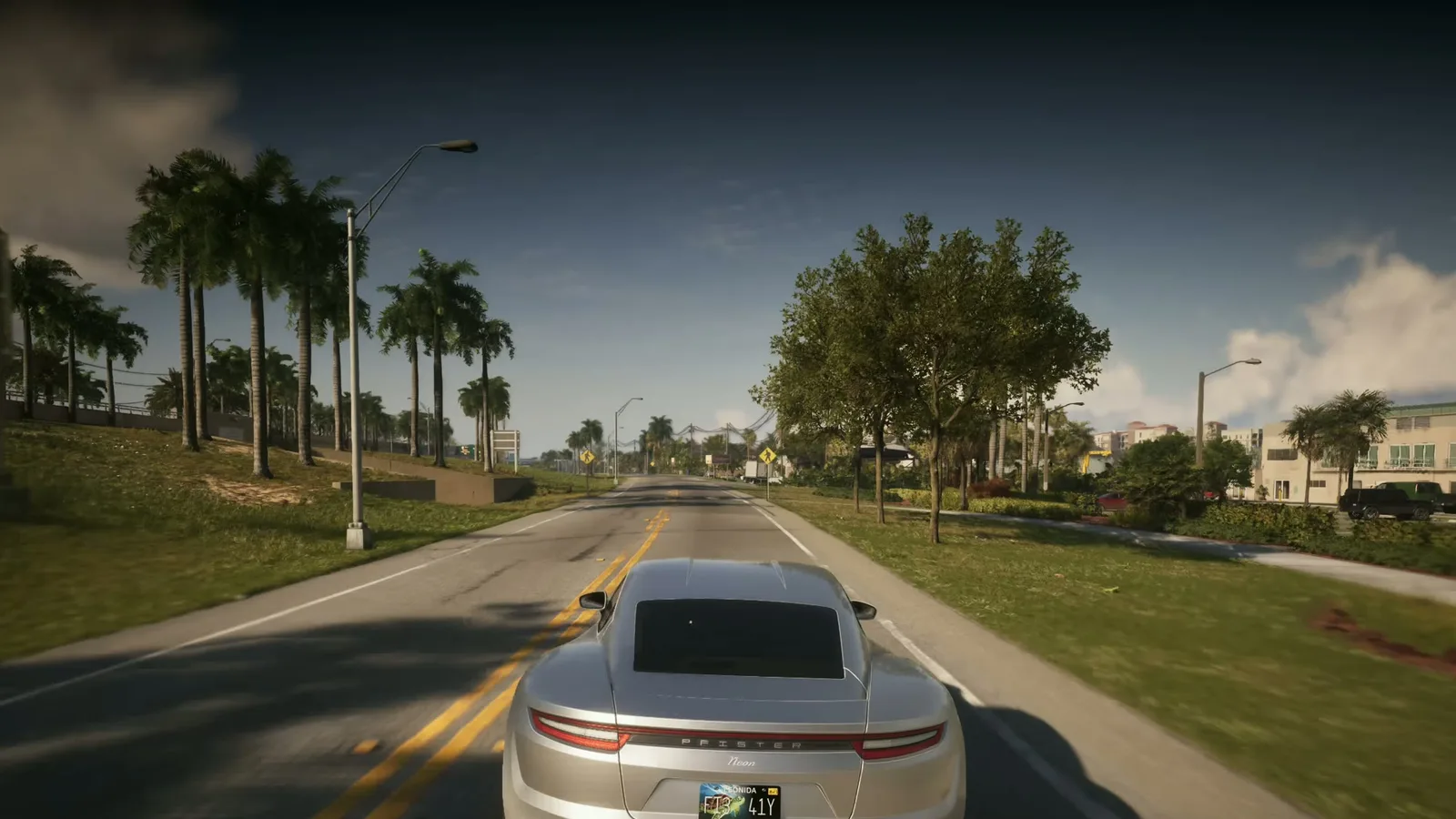
Step by step (PS5 and Xbox)
- Set a destination. Open the map, pick a spot and confirm (X on PS5, A on Xbox). Guides agree the prompt will not show without a marker.
- Get into a vehicle (Triangle on PS5, Y on Xbox at the door) and be on a public road.
- Enter Cinematic Mode. Hold Down on the D-pad, then press Options (PS5) or Menu (Xbox).
- Start auto-drive. A prompt appears at the bottom right. Hold Circle (PS5) or B (Xbox). Game Rant and Beebom say you may need to accelerate lightly for it to appear; if it is greyed out, drive onto a road first (GTABase).
- Choose a speed. L2/R2 (PS5) or LT/RT (Xbox) change it; there are three speeds.
- Take over again. Hold the same Circle/B button. Holding Down on the D-pad also leaves Cinematic Mode (Game Rant).
The guides we read cover PS5 and Xbox only.
What auto-drive does and does not do
| Question | Answer | Reported by |
|---|---|---|
| Needs a waypoint? | Yes, otherwise no prompt | GameRant, Beebom, GTABase |
| Obeys traffic laws? | Yes, stops at red lights, at every speed | GTABase, Beebom, Everyeye |
| Fastest route? | No, it often picks a slower, scenic one | Beebom, GTABase |
| Works off-road? | Only with Auto Drive set to Unrestricted | GTABase, Beebom, GameTyrant |
| Costs money? | No, unlike a taxi | GTABase, Everyeye |
| Camera | Cinematic angles you do not control | GTABase, GameRant |
One outlet (Everyeye) says that without a destination the driver wanders with no goal; the other guides say you need a waypoint, so set one.
Turn on off-road auto-drive
By default auto-drive only works on roads. Pause, open Settings, Gameplay and set Auto Drive to Unrestricted (GTABase, Beebom, GameTyrant). Even then it works best on roads, so do not expect it to cross rough terrain well. Our best settings guide lists this option with the other recommended settings.
When to use it
- Long trips when you do not want to steer, or to watch Leonida scroll by and take screenshots.
- Not for a rush: it is slower than driving yourself. If you want to skip the trip, use a taxi or RydeMe ride (see the fast travel guide).
- Being chased? Drive yourself: our wanted system guide explains how police search for you.
MAX WANTED is an independent fan site, not affiliated with Rockstar Games.
FAQ
How do you auto-drive in GTA 6?
Set a waypoint on the map, get in a car, hold Down on the D-pad and press Options (PS5) or Menu (Xbox) to enter Cinematic Mode, then hold Circle (PS5) or B (Xbox) when the Auto-Drive prompt shows at the bottom right.
Why is the auto-drive option greyed out or missing in GTA 6?
The usual causes are no waypoint on the map or being off a public road. Set a destination and drive onto a road; if you want it off-road, set Auto Drive to Unrestricted in Settings under Gameplay.
How do I stop auto-drive in GTA 6?
Hold the same button you used to start it (Circle on PS5, B on Xbox). GameRant says holding Down on the D-pad leaves Cinematic Mode.
Does auto-drive obey traffic laws and can it speed up?
It follows traffic rules and stops at red lights, but you can pick one of three speeds with the triggers. Guides say it often takes a slower, scenic route rather than the best shortcut.
Is auto-drive the same as fast travel in GTA 6?
No. Auto-drive is free but runs in real time. Fast travel is a Paradise Taxi or RydeMe ride that you can skip for $100 extra.
Sources
- GTABase — How to auto drive in GTA 6 (Nov 22, 2026)
- Game Rant — GTA 6 auto-drive: how to turn it on (Nov 22, 2026)
- Beebom — How to auto-drive in GTA 6 (Nov 22, 2026)
- Everyeye — GTA 6: come attivare la guida automatica (Nov 22, 2026)
- GameTyrant — How to enable unrestricted auto driving in GTA 6 (Nov 22, 2026)
Get GTA VI intel first
Join the MAX WANTED list: the interactive Leonida map and The Fixer are coming soon, and the list gets in first.
Join the list