How to save in GTA 6: manual saves, autosave, 15 slots and what to avoid
GTA 6 has no quick-save button and no mission replay. Here is how to save by hand, when the game autosaves, and why a few manual slots can rescue hours of play.

To save in GTA 6, pause the game (Options on PS5, Menu on Xbox), open the Game tab, choose Save Game and pick a slot. You can do it anywhere in free roam; you don't need a safehouse or a phone. The game also autosaves, but into a single slot that overwrites itself, so manual saves are your real safety net.
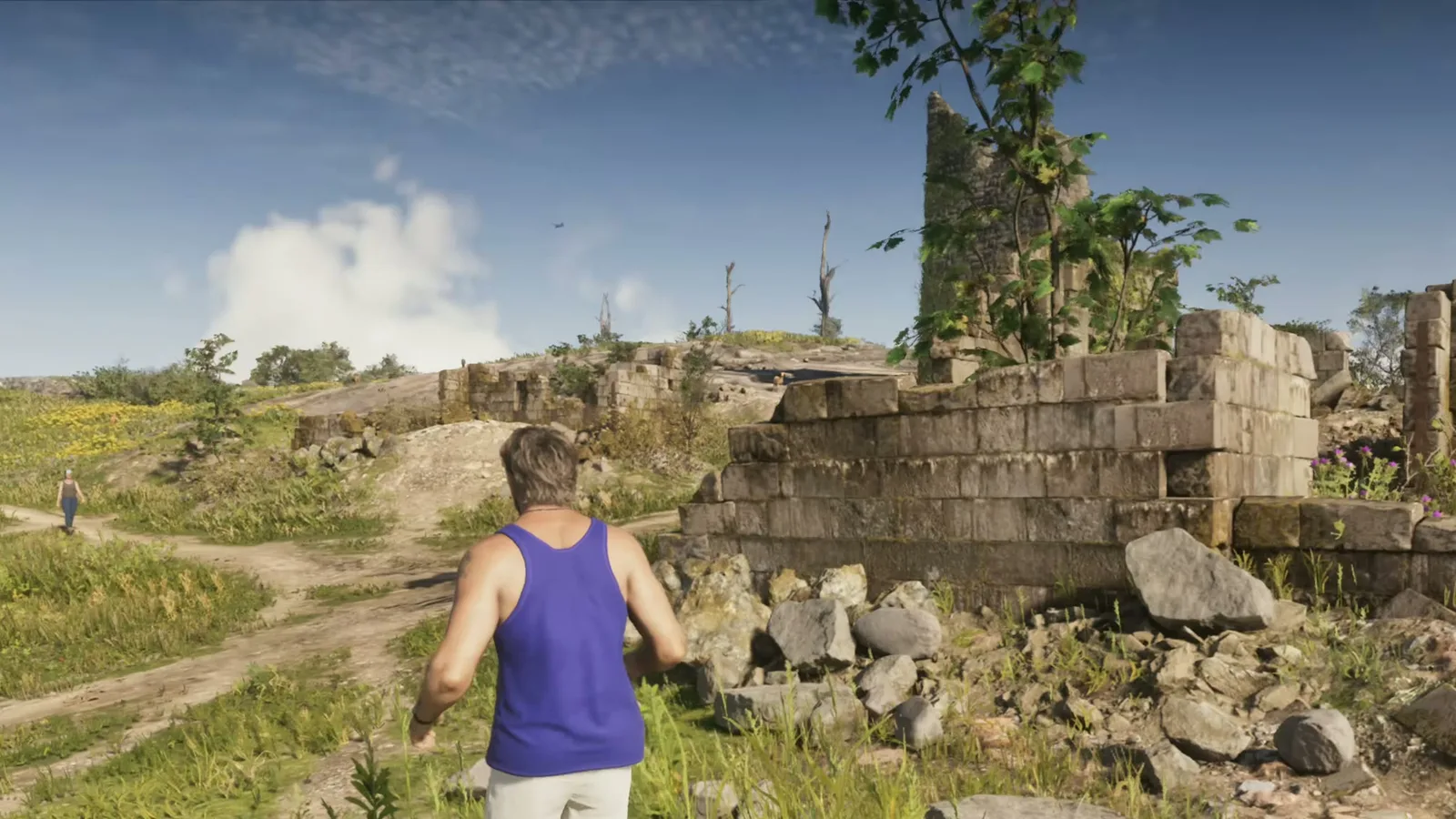
How to save manually
- Be in free roam, not inside a mission.
- Press Options (PS5) or Menu (Xbox Series X|S) to open the pause menu.
- Open the Game tab and select Save Game.
- Choose an empty slot, or overwrite one you no longer need, and wait for the save to finish before quitting.
To load, use Load Game in the same tab. There is no quick-save button (KeenGamer, Happy Gamer).
Saves and slots at a glance
| Question | What guides report |
|---|---|
| Manual slots | 15 |
| Autosave | 1 dedicated slot, overwritten by every new autosave |
| When autosave happens | After missions and some open-world events |
| When you can't save by hand | During the prologue (it unlocks when the opening sequence ends) and during any active mission |
| Mission replay | None: load an older manual save instead |
| Cheats | Disable saving, trophies and achievements until you relaunch |
| Cloud | PS5 backs up to PlayStation Plus, Xbox syncs automatically |
When to save by hand
- Before every story chapter ends. Autosave can overwrite the state you wanted to keep, and mission outcomes lock in once it triggers (GTABase).
- Before a big choice or a risky robbery, so you can reload if it goes wrong. Missed missions and some side missions disappear when a chapter ends, and a manual save is the only way back.
- Before using any cheat. Keep one clean save that never used cheats (KeenGamer). Our cheats page lists what is confirmed.
- Before moving money around near the end of a chapter. Our BuckMe guide explains what is lost at the end of Chapter 1, and GTABase recommends a manual save before that point.
A simple routine from KeenGamer: one slot after the prologue, one at the start and end of each chapter, and two or three rotating free-roam slots. That leaves a few of the 15 for experiments.
Lost progress: why it happens
Several players reported losing hours soon after launch by relying only on autosave, and GTABase names streamer JasonTheWeen as one who lost over 10 hours. Autosave is also described as inconsistent. If you quit mid-mission, Happy Gamer reports you return to free roam with the mission restarted from the beginning. Rockstar has not published details on how saves work; everything here is reported by guide sites since launch (November 19, 2026) and may change with patches.
Related guides
Keep your money safe (BuckMe) · Switch between Jason and Lucia · Launch day checklist · Money guide
MAX WANTED is an independent fan site, not affiliated with Rockstar Games.
FAQ
How do you save in GTA 6?
In free roam, open the pause menu (Options on PS5, Menu on Xbox), go to the Game tab, select Save Game and choose a slot. You don't need a safehouse or your phone.
How many save slots does GTA 6 have?
Guides report 15 manual slots plus a separate autosave slot. Each new autosave overwrites the previous one, so keep your important checkpoints in manual slots.
Why can't I save in GTA 6?
The usual causes are an active mission, still being in the prologue, or having used a cheat in this session. Finish or leave the mission, or relaunch the game if you used a cheat.
Can you replay missions in GTA 6?
No. Guides report there is no mission replay, even after the credits. To redo a mission you must load a manual save made before it.
Does GTA 6 have cloud saves?
KeenGamer and Happy Gamer report that PS5 saves back up to PlayStation Plus cloud storage and Xbox Series X|S saves sync to the cloud automatically.
Sources
- GTABase — How to Save in GTA 6: Manual Saves, Autosave & Save Slots (Nov 22, 2026)
- KeenGamer — How to Save in GTA 6: Manual Saves, Autosave and Safehouses (Nov 22, 2026)
- Happy Gamer — How to Save in GTA 6: Manual Saves, Autosave and No Mission Replay (Nov 22, 2026)
- Everyeye — Come gestire i salvataggi in GTA 6 (Nov 19, 2026)
Get GTA VI intel first
Join the MAX WANTED list: the interactive Leonida map and The Fixer are coming soon, and the list gets in first.
Join the list